RDR2 on a low-end PC, laptop and Steam Deck: best settings
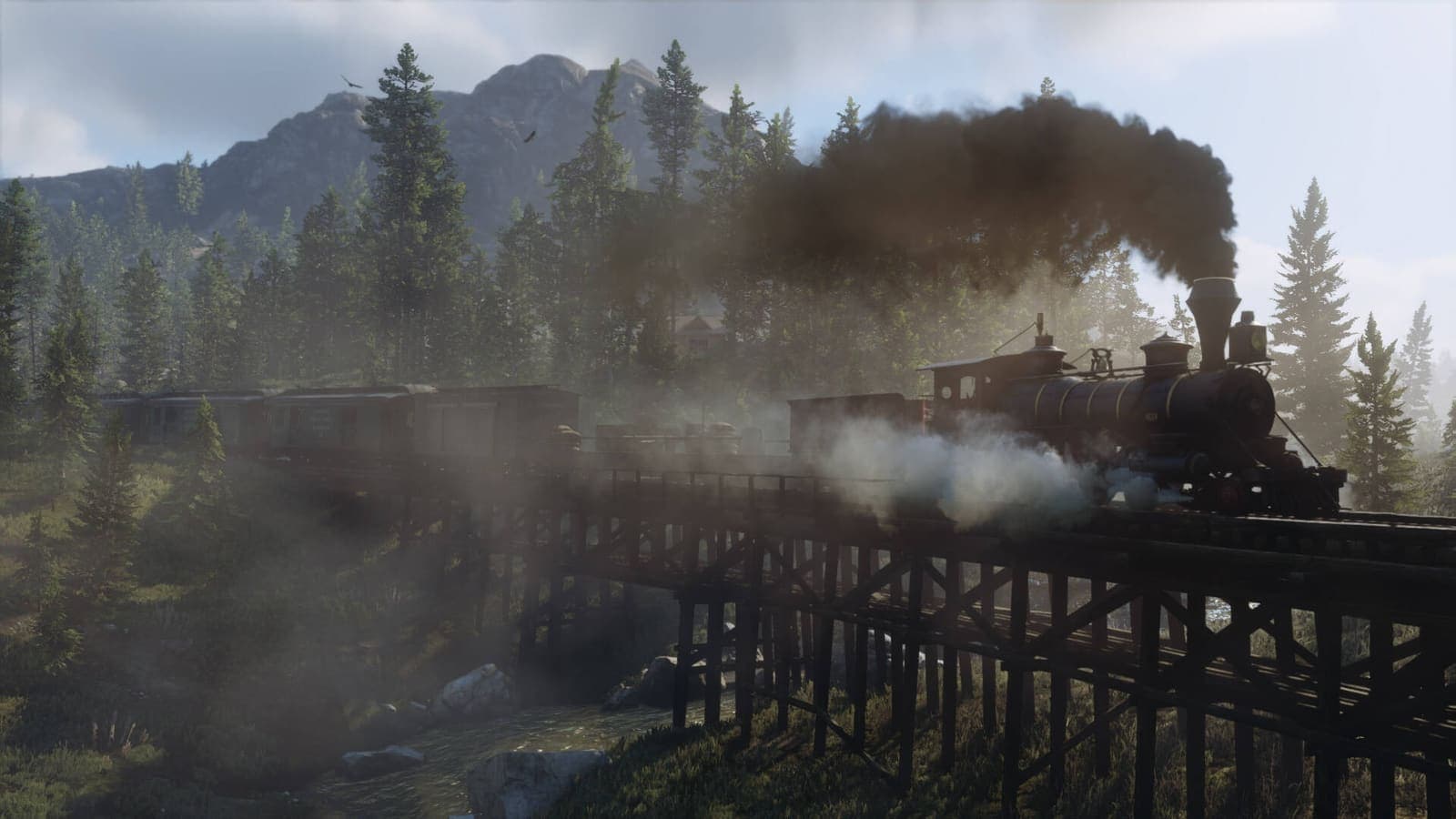
Image: official screenshot © Rockstar Games
Quick answer
Red Dead Redemption 2 runs on a modest machine if you play by its rules: turn off MSAA, lower water, volumetrics and reflections first, turn on FSR 2 in Quality and lock the game to 30 frames per second rather than chasing an unstable 60. Keep textures as high as your video memory allows. On Steam Deck, Valve rates the game Playable and it targets 30 frames per second at low settings.
Red Dead Redemption 2 has a reputation for bringing PCs to their knees, and it is earned. But that reputation mostly comes from its highest settings, built for future hardware. At low settings the game keeps what matters: its light, its skies, its landscapes that make you want to pull up at the side of the trail. This guide explains what to lower, in what order, and what you can honestly expect from a modest PC, a laptop or a Steam Deck.
For the detail on every option, keep our full table of the best RDR2 PC graphics settings at hand. Setting names are the ones used in the English menu.
Can your machine run it?
Rockstar's official minimum requirements (identical on Steam):
| Component | Minimum required |
|---|---|
| OS | Windows 10 64-bit |
| Processor | Intel Core i5-2500K / AMD FX-6300 |
| Memory | 8 GB |
| Graphics card | GeForce GTX 770 2 GB / Radeon R9 280 3 GB |
| Storage | 150 GB |
Three useful details:
- Rockstar does not say what frame rate this minimum targets. PC Gamer and OC3D both estimate it at around 30 frames per second at low settings.
- Integrated graphics are not guaranteed. Rockstar warns that mobile chipsets and integrated graphics cards may be incompatible. On a laptop, check that the game is using the dedicated card: that is what the Output Adapter line in the graphics menu is for.
- The Rockstar Games Launcher is mandatory, whichever store you bought from, with an internet connection for activation.
Steam Deck: rated Playable
Checked on Steam on October 10, 2026: Red Dead Redemption 2 is rated Playable on Steam Deck, not Verified. Valve's breakdown:
- the default graphics configuration performs well on the device;
- the default controls give access to everything, and the game shows Steam Deck button icons;
- the launcher may need the touchscreen or virtual keyboard, or show text that is hard to read;
- some in-game text is small;
- first-time setup requires an internet connection.
On the community side, ProtonDB gives it a Gold rating.
What to lower first
The idea: give up first what costs the most for what shows the least. This order lines up with Rockstar's official list (which advises adjusting MSAA, Reflection Quality, Water Quality, Volumetric Quality and Near Volumetric Resolution first) and with testing by PC Gamer, OC3D, Hardware Unboxed, Shacknews and ASUS.
| Order | Setting | Value | Gain | Visual loss |
|---|---|---|---|---|
| 1 | MSAA and Reflection MSAA | Off | Very high | Almost none |
| 2 | Water Physics Quality | Lowest notch | High | Low |
| 3 | Volumetrics Quality | Low | High | Medium: coarser fog and clouds |
| 4 | Reflection Quality | Low | High | Low |
| 5 | Full Resolution SSAO, Tree Tessellation, Unlocked Volumetric Raymarch Resolution | Off | Medium | Very low |
| 6 | Lighting Quality, Global Illumination Quality | Medium then Low | Medium | Medium, mostly at night |
| 7 | Shadow Quality, Far Shadow Quality, Grass Shadows | Medium, Low, Low | Medium | Medium |
| 8 | Grass Level of Detail | 2 out of 10 | Low to medium | Grass draws in closer |
| 9 | Screen Space Ambient Occlusion | Medium | Low | Low |
| 10 | Texture Quality, Anisotropic Filtering | One notch at a time | Low | High |
What to take away from this table:
- MSAA first. Every test advises against it, even on powerful cards. TAA, or better an upscaler, does the job for almost nothing.
- Water, volumetrics and reflections hold most of the cost. PC Gamer names Reflection Quality and Volumetrics Quality as the two major settings, and Shacknews describes Water Physics Quality as the heaviest in the game when pushed.
- Do not turn off ambient occlusion. PC Gamer advises staying on Medium at least, and ASUS notes that Medium looks very close to Ultra for a much lower cost. Without it, the image goes flat.
- Textures last. PC Gamer finds Low textures really poor up close, and OC3D keeps textures high even in its lightest profile. The only real reason to lower them is video memory: the game refuses settings that exceed what your card has, and with 2 GB many options stay locked on Low, PC Gamer reports.
Upscaling: FSR 2 before Resolution Scale
When settings are no longer enough, the remaining lever is rendering fewer pixels. The game offers three ways:
- AMD FSR 2 (version 2.2 since Title Update 1.32 in March 2024): works on every card, under both Vulkan and DirectX 12. This is the one to favor on a modest machine.
- Nvidia DLSS: GeForce RTX only, so mostly useful on a recent laptop.
- Resolution Scale: plain scaling, with no reconstruction. ASUS advises leaving it Off and using FSR 2 instead.
According to TechPowerUp's comparison, FSR 2 in Quality mode gives a sharper image than the game's TAA, especially at lower resolutions, while improving performance. Its limit: some fine details, such as power lines, shimmer more at low resolution. Start with Quality, move to Balanced if that is not enough, and set sharpening to taste.
If your hardware handles neither of them properly, OC3D points out that a slight drop in Resolution Scale is still an effective way to gain frames at the cost of a little sharpness.
A locked 30 FPS or an unlocked frame rate?
On a borderline machine, a stable 30 frames per second beats a 45 that keeps collapsing. It is the frame rate of the console versions, and the game's measured pace suits it well. In its testing on entry-level cards, PC Gamer recorded a wide gap between the average and the dips, a sign of stutter: that is exactly what a fixed cap removes.
- On PC, the VSync option has a Half mode that limits the game to half the screen's refresh rate, so 30 on a 60 Hz screen.
- On Steam Deck, use the device's own limiter.
- If you have headroom above 30 without reaching 60, a variable refresh rate screen changes things: ASUS relies on it to recommend 40 to 50 frames per second on its ROG Ally.
If you get stutter or crashes, turn off Triple Buffering. Steam Deck HQ links that option (along with VSync) to the crashes reported on the device, and PCGamingWiki to stutter under Vulkan. If the game crashes with the ERR_GFX_STATE error, Rockstar points to the -ignorepipelinecache launch argument. Finally, if one graphics API misbehaves, try the other: Vulkan is the default, DirectX 12 the alternative.
Steam Deck: settings that work
The reference test is still Steam Deck HQ's (July 2022, on the original model). Its recommended configuration:
- native 1280x800 resolution, capped at 30 frames per second;
- Texture Quality on Medium, everything else on Low or Off, motion blur off;
- VSync and Triple Buffering disabled;
- power limited to 8 W for roughly 2 to 2.5 hours of battery life.
The same test shows that a 40 frames per second mode is possible with everything on Low, but with visible drops, more heat and about 1.5 hours of battery. It also flags a prologue that is less stable than the rest: performance settles once you reach the open world, in chapter 2.
Two honest caveats. That test predates the official addition of FSR 2 (it used a mod), and its own author considers it due for an update: today FSR 2 is right in the menu and replaces that mod for the better. And keep in mind the small text flagged by Valve: on the handheld's screen, some menu lines need good eyes.
ROG Ally and laptops
ROG Ally. ASUS published its own guide in June 2023 for the model with the Ryzen Z1 Extreme chip. At 1080p in Turbo mode, the manufacturer claims 40 to 50 frames per second with its optimized settings and FSR 2 in Quality. Its choices: Texture Quality on Ultra, Anisotropic Filtering at 8x, Screen Space Ambient Occlusion and Shadow Quality on Medium, reflections, water and volumetrics on Low, Grass Level of Detail at 2 out of 10, Tree Tessellation off. ASUS saw no clear difference between Vulkan and DirectX 12 on this machine. These are the manufacturer's own figures, to be taken as a ballpark.
Laptops. Do not go by the card's name alone: in PC Gamer's testing, laptop RTX cards stayed behind their desktop equivalents, because of lower clock speeds and slower mobile processors. So apply the profile of the class just below. Play plugged in, and check the Output Adapter line. On memory, PC Gamer measured no gain between 16 and 32 GB.
Storage: plan for 150 GB
Rockstar and Steam both state 150 GB of available space. That is a lot for a laptop or a handheld: if internal storage is tight, get a high-capacity SSD or microSD card before you start the download.
The limits you should know
- Below the minimum requirements, nothing is guaranteed, and Rockstar warns that integrated chips may be incompatible.
- With 2 GB of video memory, expect 1080p on Low. In PC Gamer's December 2019 testing, a GTX 1050 reached about 40 frames per second in those conditions, and low textures are noticeable.
- Around the recommended setup (GTX 1060 6 GB, RX 570 or RX 580), the same tests gave a 60 frames per second average at 1080p with low to medium settings, but with dips well below that. Hence the value of a fixed cap.
- On Steam Deck, treat RDR2 as a 30 frames per second game that is hard on the battery.
None of that stops you from enjoying the ride. Even at low settings, OC3D and ASUS note that the game still looks very good, and a sunrise over the plains quickly makes you forget the options menu.
Go further
- Find all our Red Dead Redemption 2 guides in one place
- The best RDR2 PC graphics settings: the full table, option by option
- The best RDR2 controller settings, useful on Steam Deck too
- Beginner tips
- Red Dead Online beginner guide
- The incredible details of RDR2
FAQ
Does Red Dead Redemption 2 run on Steam Deck?
Yes. As of October 10, 2026, Valve rates it Playable, not Verified: the default graphics configuration performs well, but the Rockstar launcher may need the touchscreen, some text is small and first-time setup requires internet. Aim for 30 frames per second at 1280x800 with low settings.
Which settings should you lower first on a low-end PC?
In order: turn off MSAA and Reflection MSAA, drop Water Physics Quality to its lowest notch, set Volumetrics Quality and Reflection Quality to Low, then disable Full Resolution SSAO, Tree Tessellation and Unlocked Volumetric Raymarch Resolution. Textures and anisotropic filtering come last.
How much storage does RDR2 need on PC?
150 GB of available space, according to Rockstar and the Steam listing, for the minimum and the recommended setup alike.
Read next
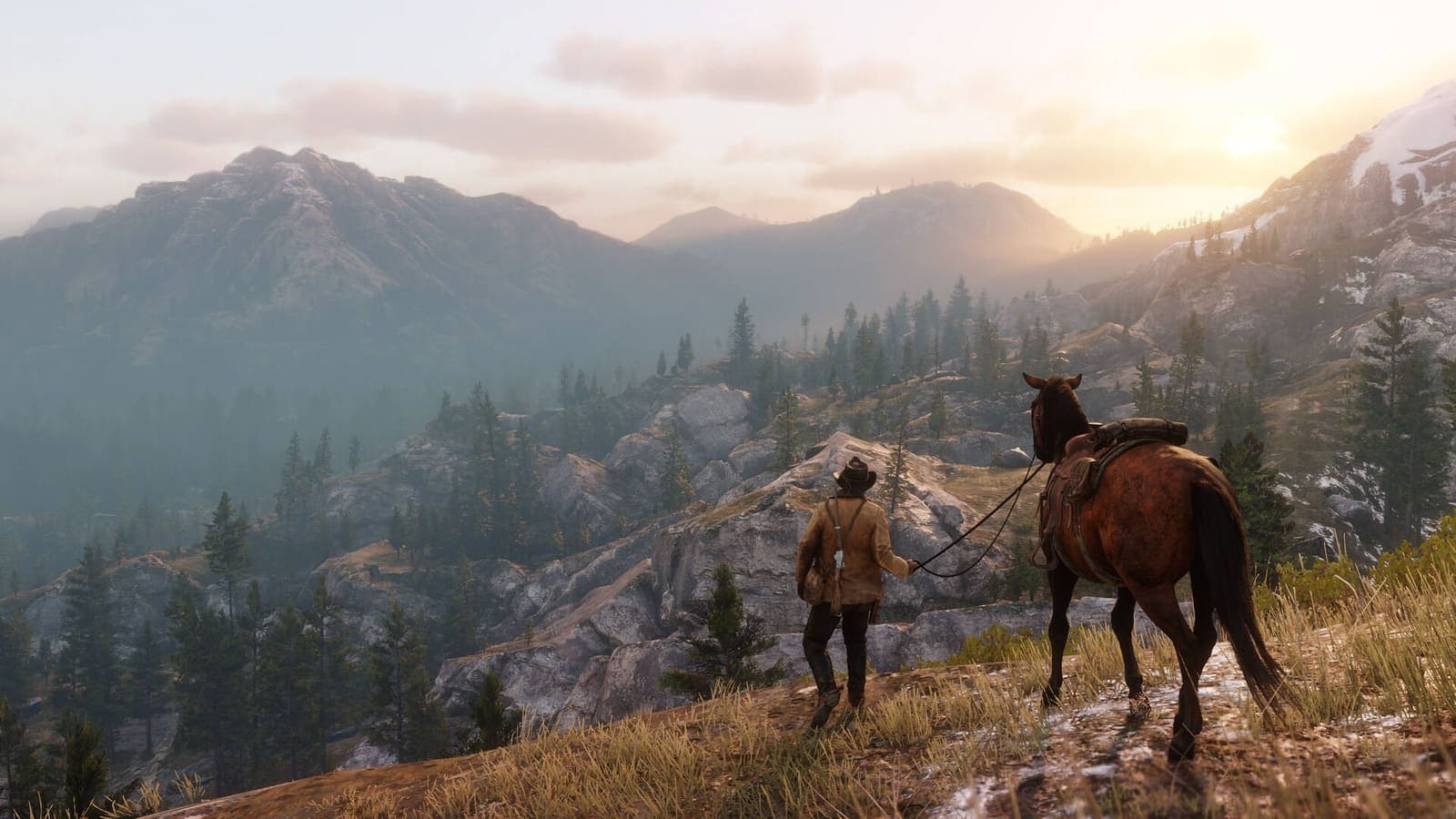
Best RDR2 PC graphics settings: the optimized guide
The best Red Dead Redemption 2 PC graphics settings: system requirements, Vulkan or DX12, DLSS and FSR 2, and an optimized table setting by setting.
8 min · Oct 10
Best RDR2 controller settings: aiming, camera and HDR
The best Red Dead Redemption 2 controller settings: dead zone, acceleration, lock-on, camera and HDR, plus what each console and PC can really deliver.
7 min · Oct 10
Red Dead Online Bounty Hunter role: the best unlocks by rank
Every Bounty Hunter unlock in Red Dead Online, rank by rank: Reinforced Lasso, Bolas, Bounty Wagon, skills, satchels and the Prestigious License.
6 min · Oct 10