Fix Warzone crashing (won't launch)
Quick answer
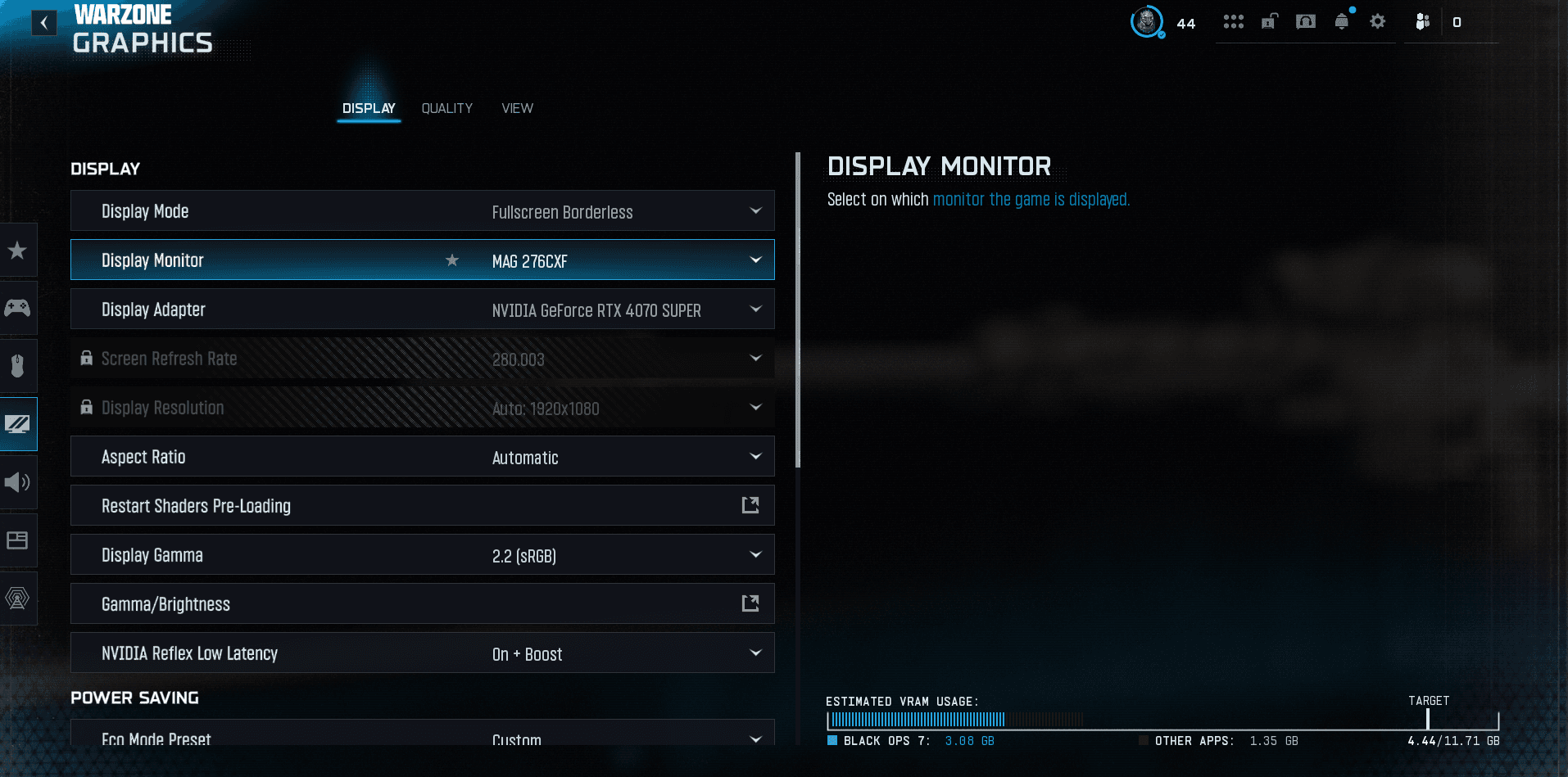
For Warzone crashes and launch problems: scan and repair game files, update your GPU drivers, run as administrator, disable overlays, install the latest Visual C++ / Windows updates and free up disk space. Specific 'dev error' codes are often server-side after an update.
Warzone crashing or not launching is frustrating but almost always fixable. Here are the reliable fixes, in order. (For in-game stutter, see fix FPS drops.)
1. Scan and repair game files
- On Battle.net / Steam: Scan and Repair / verify integrity. Corrupt files are the number one cause of crashes.
2. Update your GPU drivers
- Latest NVIDIA / AMD, with a clean install if crashes persist. Outdated or corrupt drivers crash the game on launch.
3. Run as administrator + disable overlays
- Launch the client as administrator.
- Disable overlays (Discord, GeForce Experience, Xbox Game Bar, MSI Afterburner): classic crash sources.
4. Windows, Visual C++ and disk space
- Install Windows updates and the Visual C++ redistributables (the game needs them).
- Free up disk space: a nearly full drive blocks launch.
- Try disabling Hardware-accelerated GPU scheduling (HAGS) if it crashes in-game.
5. If nothing works
- Reinstall Warzone (last resort but effective against a corrupt install).
- A dev error hitting everyone after a patch is often server-side: check Call of Duty's official status and wait for the fix, no need to tear your PC apart.
The Warzone recap
- All our Warzone guides — settings, loadouts and basics in one place.
- Fix FPS drops and stuttering.
- Fix packet burst and lag.
FAQ
Why does Warzone crash on startup?
Corrupt files, outdated drivers, conflicting overlays or missing Visual C++. Repair files and update drivers.
What about a dev error?
Repair files, update drivers and Windows, disable overlays. If it hits everyone after a patch, it's often server-side.
Read next
Fix Warzone FPS drops and stuttering
Warzone stuttering or dropping FPS? The fixes that actually work: drivers, FPS cap, heavy settings, overlays, VRAM and game files.
1 min · Sep 02
Best Warzone aim assist (type & settings)
The best Warzone aim assist: which type to choose, how it works and how to maximize it on controller for clean, consistent tracking.
1 min · Sep 02Best Warzone FOV (field of view)
The best Warzone FOV: which value to pick, ADS field of view, weapon FOV and the impact on FPS. The setting that changes your peripheral vision.
1 min · Sep 02