Fix Warzone packet burst and lag
Quick answer
For Warzone packet burst and lag: switch to wired Ethernet, free up bandwidth, lower (or disable) on-demand texture streaming, change your DNS and restart your router. Packet burst is often a network desync issue, sometimes server-side and only fixed by a patch.
Packet burst, lag or a high ping ruin your fights (delayed damage, teleporting enemies). It's a network issue, not an FPS one, here are the fixes, in order. (For display stutter, see fix FPS drops instead.)
1. Switch to wired Ethernet
- A cable beats Wi-Fi every time: less packet loss, more stable ping. It's the number one packet-burst fix.
2. Free up your bandwidth
- Stop downloads, streams and updates in progress.
- Check other devices on the network saturating the connection (4K streaming, console downloads…).
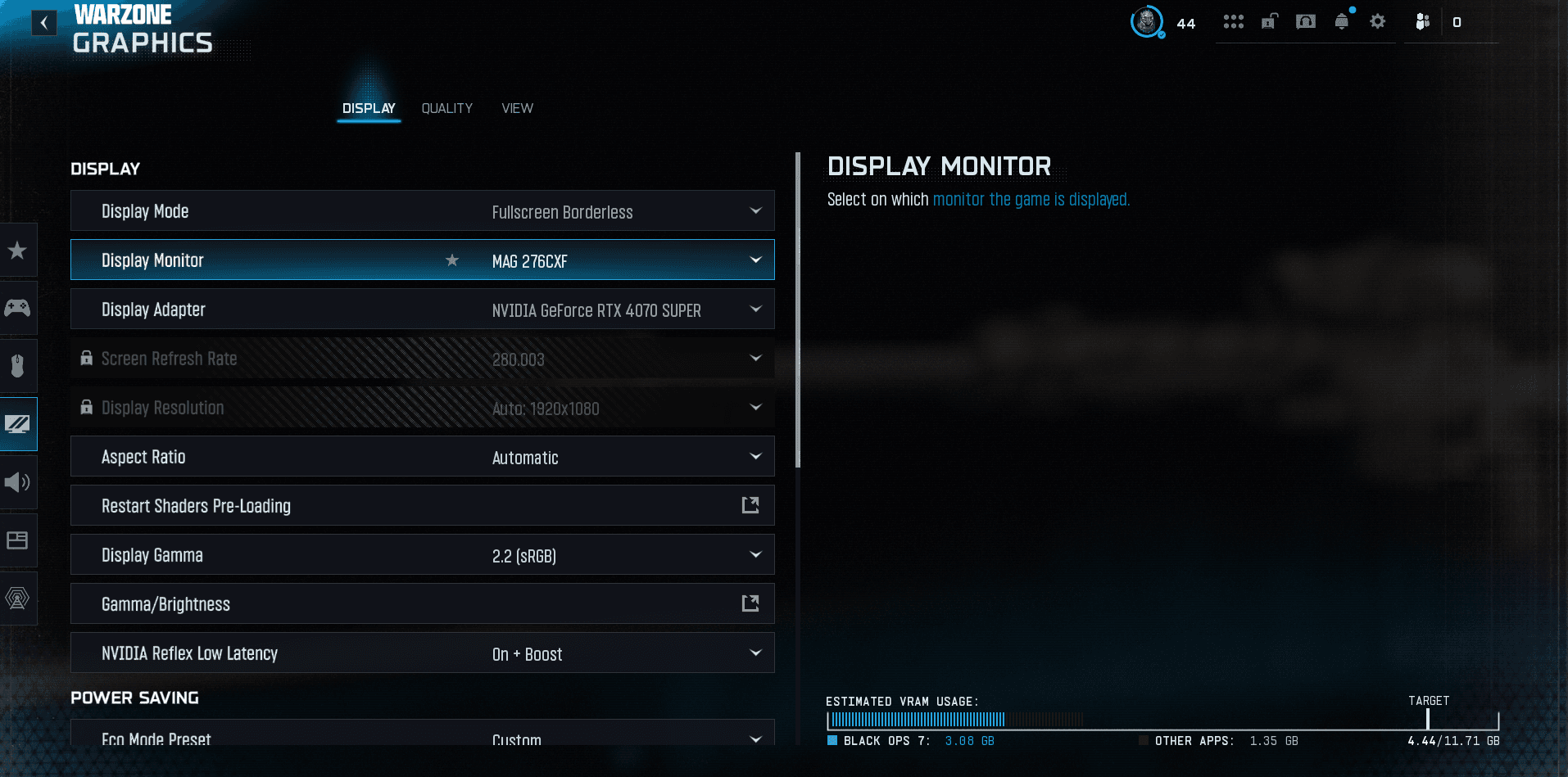
3. Lower on-demand texture streaming
- On-demand texture streaming constantly uses bandwidth, a frequent packet-burst cause. Lower or disable it to see if it goes away.
4. DNS, router and network drivers
- Change your DNS: Cloudflare 1.1.1.1 or Google 8.8.8.8 (often faster/more stable).
- Restart your router (and modem) for a clean connection.
- Update your network drivers (NIC / motherboard).
- Disable your VPN while playing.
5. Server and game files
- Check your server region / ping; avoid peak congestion hours.
- Scan and repair game files.
- If packet burst happens everywhere, for everyone, it's often server-side: nothing to do but wait for a fix.
The Warzone recap
- All our Warzone guides — settings, loadouts and basics in one place.
- Fix FPS drops and stuttering — if the issue is graphics, not network.
- Fix crashes / Warzone won't launch.
FAQ
What is packet burst?
A network desync between your game and the server (delayed damage, teleports). A network/server issue, not FPS.
How do I fix it?
Wired Ethernet, freed bandwidth, lower texture streaming, changed DNS, restarted router. If it's everywhere, it's often server-side.
Filed under
Read next
Fix Warzone crashing (won't launch)
Warzone crashing or won't launch? The reliable fixes: repair files, GPU drivers, overlays, Visual C++, disk space and reinstalling.
1 min · Sep 02Fix Warzone FPS drops and stuttering
Warzone stuttering or dropping FPS? The fixes that actually work: drivers, FPS cap, heavy settings, overlays, VRAM and game files.
1 min · Sep 02
Best AN-94 loadout Warzone (build + code)
Best AN-94 loadout Warzone for Season 6: the CODMunity build, copy code and recommended partner. The Season 5 king has dropped to C tier.
2 min · Sep 02