Best Warzone settings: FPS, smoothness and aim
Quick answer
For more FPS and smoother Warzone: turn off motion blur, lower shadows/reflections/effects, run exclusive fullscreen (PC), avoid V-Sync, raise FOV (100-110) and keep your GPU drivers updated. For aim, a stable sensitivity you've mastered beats a high one.
Good settings can be worth more than a better loadout: more FPS, less blur, cleaner aim. Here's the essential, from PC to console. (For guns, see our Warzone meta.)
Graphics settings for FPS
Aim for smoothness over looks:
- Motion blur: off (it hurts aim).
- Shadows / reflections: low — the heaviest settings.
- Environment detail, particles: low to medium.
- Texture / resolution: match your card; lower render resolution if you're short on FPS.
Smoothness & input lag (PC)
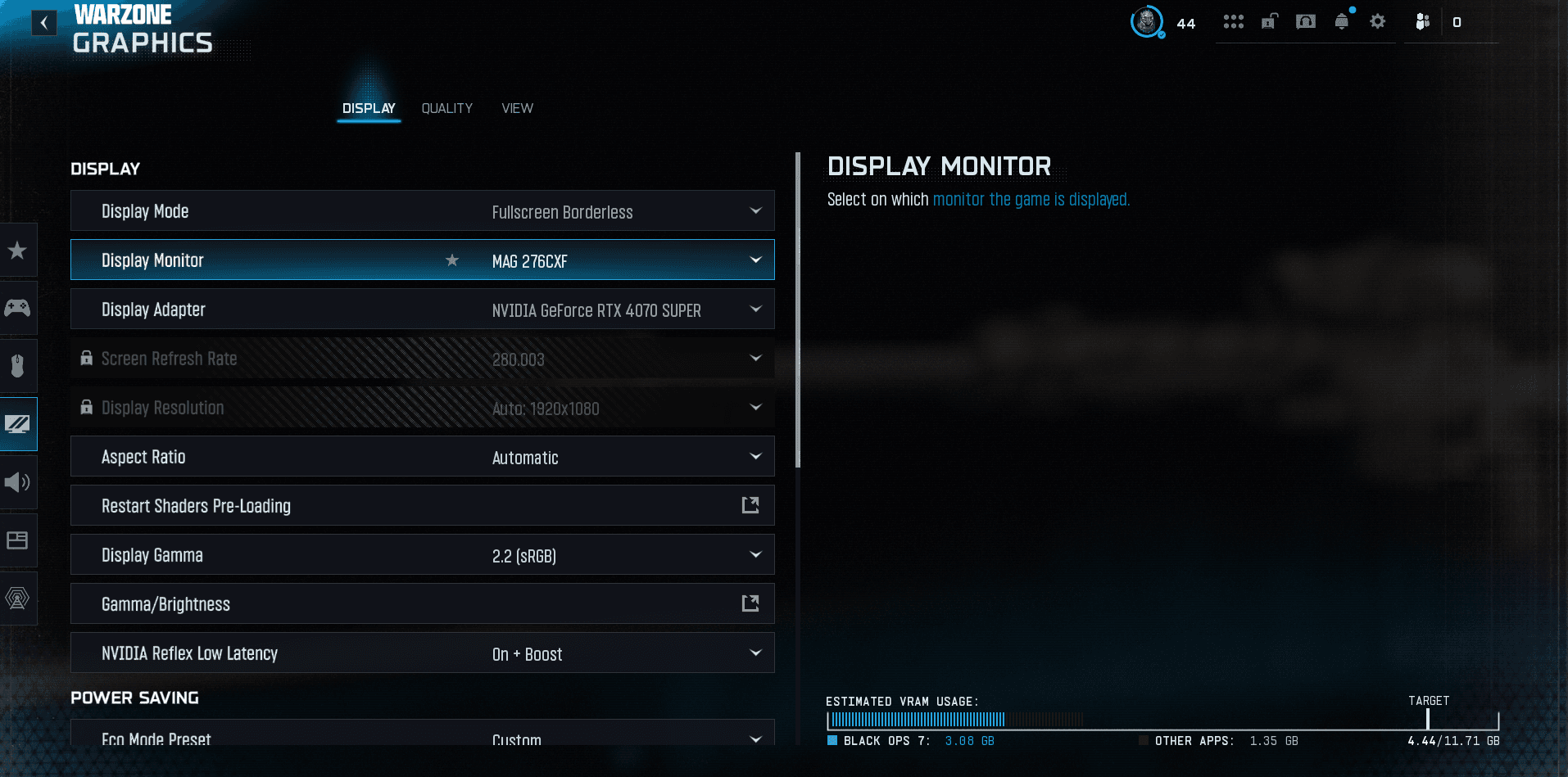
- Display mode: exclusive fullscreen (lower latency).
- V-Sync: off (unless tearing bothers you).
- FPS cap: a stable cap slightly below your max often gives a steadier frametime.
- NVIDIA Reflex / Low Latency: on if available.
FOV & visual comfort
- FOV: 100-110. Wider = more info and perceived smoothness, without shrinking distant enemies too much.
- ADS Field of View: "Affected" to keep the FOV while aiming (preference).
Aim settings
- Sensitivity: pick one you've mastered and stop changing it. Consistency beats speed.
- ADS multiplier: slightly lower for ranged fights.
- Controller: try the "Dynamic" or "Standard" response curve, and set the deadzone as low as possible without drift.
Hardware and system
- Updated GPU drivers (regular FPS gains via updates).
- Close background apps, enable game mode.
- A headset changes everything for audio, see our audio settings guide.
The Warzone recap
- All our Warzone guides — settings, loadouts and basics in one place.
- Warzone for beginners — the guide to get started right.
- The weapon comparator — two guns head to head (TTK, range, handling).
FAQ
How do you get more FPS in Warzone?
Lower shadows/reflections/detail, disable motion blur, run exclusive fullscreen, update GPU drivers and close background apps.
What FOV should you use?
100 to 110: wide field of view and good readability, without shrinking distant enemies too much.
Filed under
Read next
Fix Warzone FPS drops and stuttering
Warzone stuttering or dropping FPS? The fixes that actually work: drivers, FPS cap, heavy settings, overlays, VRAM and game files.
1 min · Sep 02
Best Warzone aim assist (type & settings)
The best Warzone aim assist: which type to choose, how it works and how to maximize it on controller for clean, consistent tracking.
1 min · Sep 02Best Warzone FOV (field of view)
The best Warzone FOV: which value to pick, ADS field of view, weapon FOV and the impact on FPS. The setting that changes your peripheral vision.
1 min · Sep 02