Best Warzone audio settings (hear footsteps)
Quick answer
To hear footsteps in Warzone: pick the headphone-oriented audio mix (the preset that brings close sounds forward), drop music to minimum, raise effects, and play on a headset. It often changes more games than aim does.
Sound is one of Warzone's most overlooked edges: tuned right, it tells you where the enemy is before you even see them. Here's how to optimize it. (For smoothness, see our FPS settings.)
The audio mix: the number-one setting
In the sound options, pick the headphone-oriented mix — the preset that brings close sounds forward (footsteps, reloads, door opens) and compresses distant ones. It's the setting that changes the most.
The exact preset name varies by version, but always go for the one designed for headphones / competitive.
Lower music, raise effects
- Music: at minimum (or off) — it masks footsteps.
- Effects / SFX: high.
- Dialogue: medium, to taste.
You want to hear footsteps, not the soundtrack.
Volume and dynamics
- Keep master volume comfortable but not maxed: too loud crushes distance cues.
- Avoid aggressive "bass boost" EQs on your headset: they drown the highs of footsteps.
Hardware
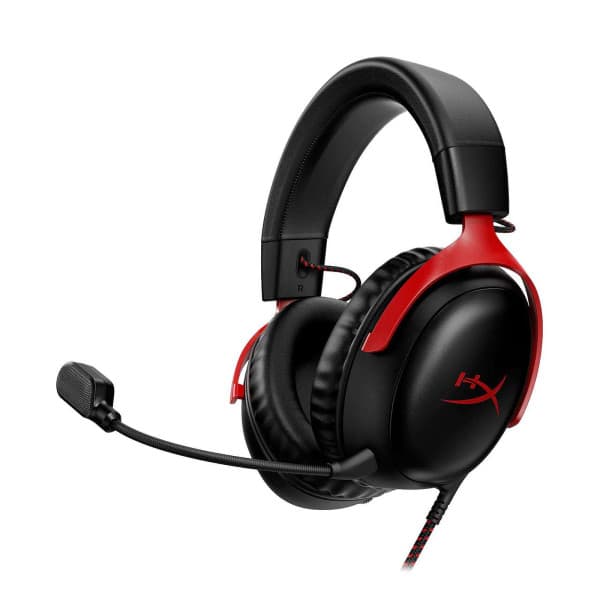
- A stereo headset (even a cheap one) beats speakers for directionality (left/right, front/back).
- On PC, disable system spatial enhancements that distort the game's sound, unless you use an FPS-focused spatializer.
The right habit
Hearing is good; positioning is better. Pair this with a solid loadout (our Warzone meta) and smooth settings.
The Warzone recap
- All our Warzone guides — settings, loadouts and basics in one place.
- Warzone for beginners — getting started, step by step.
- The weapon comparator — TTK, range and handling side by side.
FAQ
What audio setting lets you hear footsteps?
The headphone-oriented mix (close sounds forward), music at minimum and effects high. A headset does the rest.
Do you need a headset?
Yes: a stereo headset reproduces directionality far better than speakers, which is decisive for locating an enemy.
Filed under
Read next
Best Warzone aim assist (type & settings)
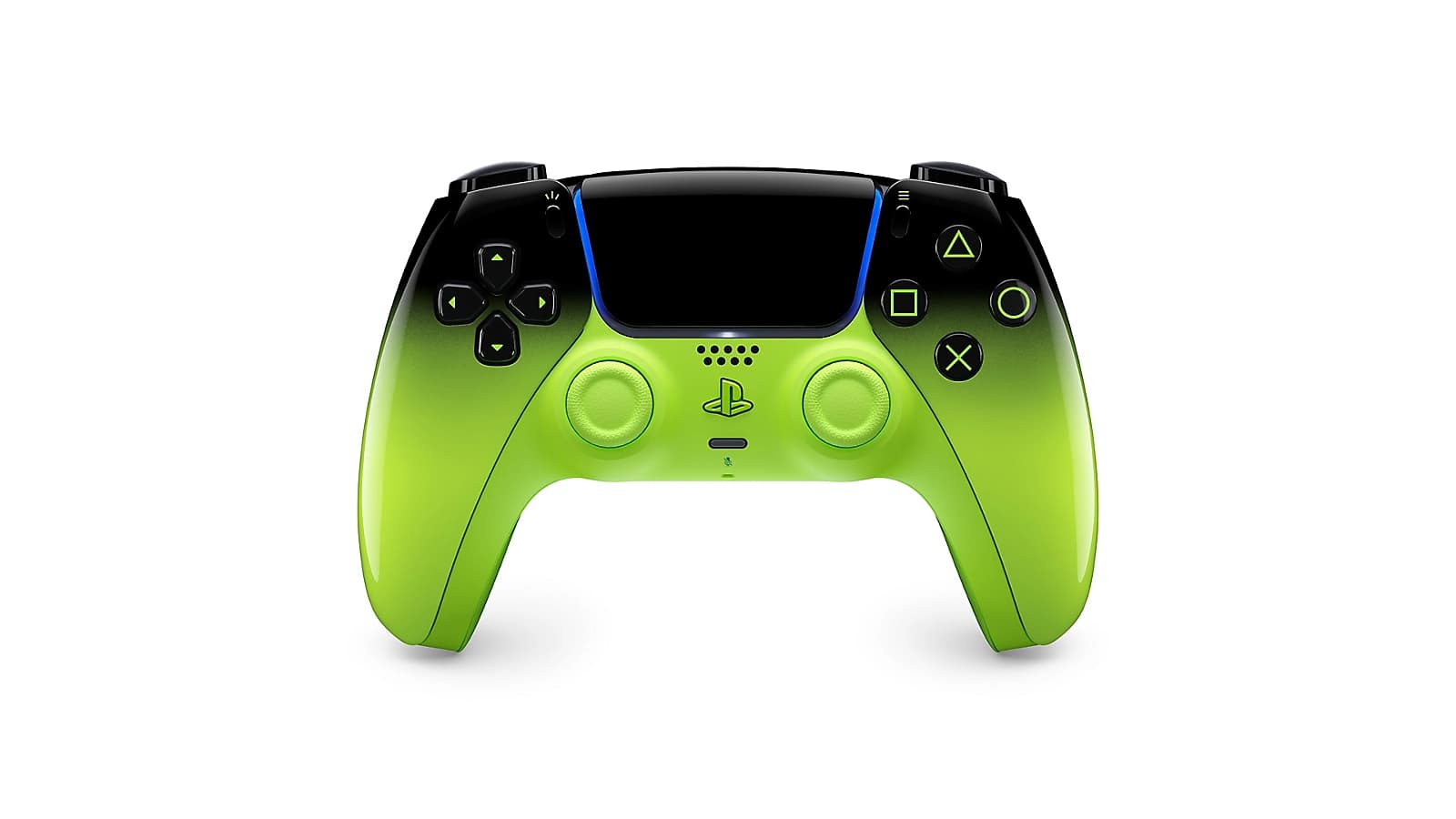
The best Warzone aim assist: which type to choose, how it works and how to maximize it on controller for clean, consistent tracking.
1 min · Sep 02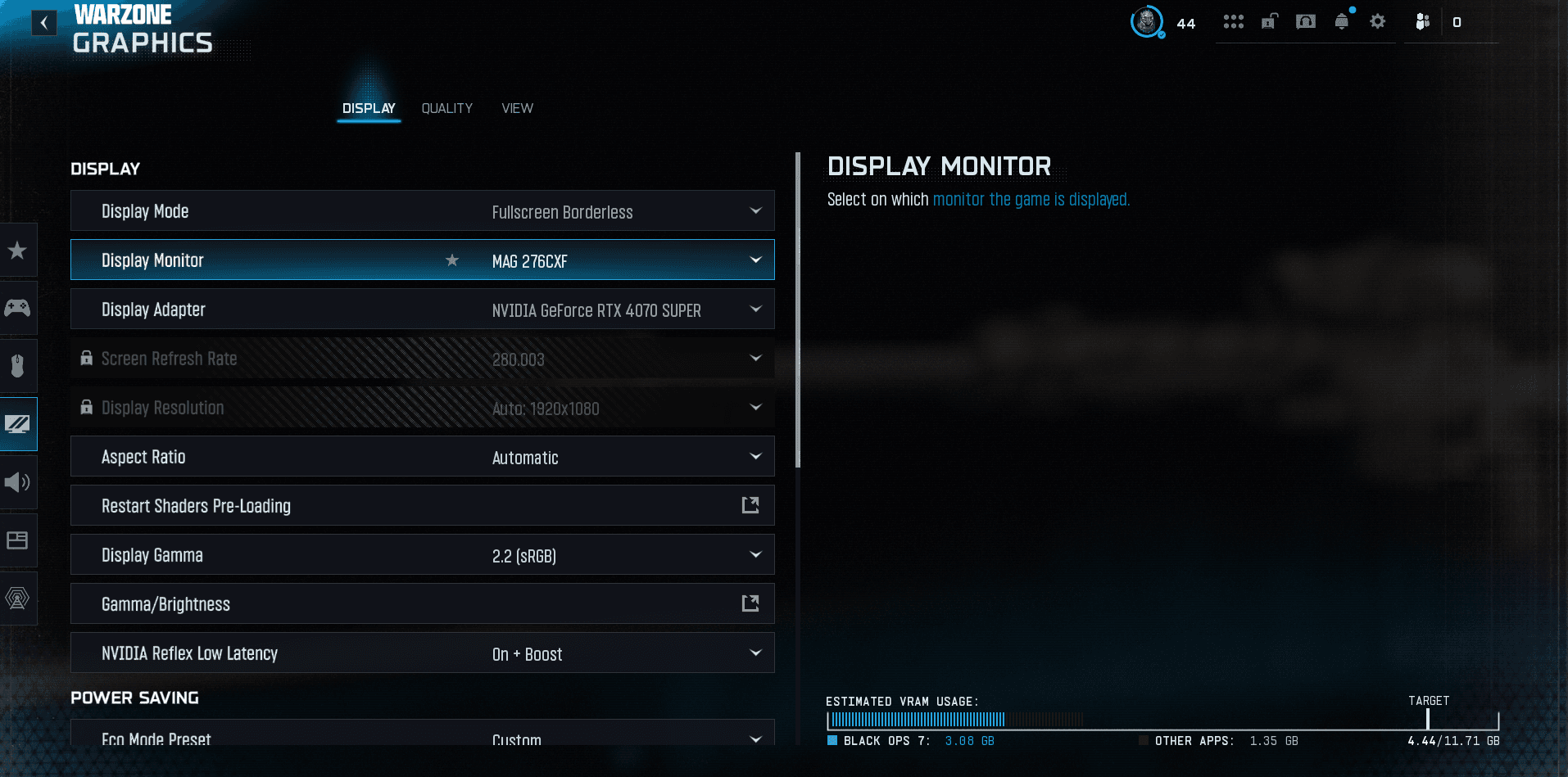
Best Warzone FOV (field of view)
The best Warzone FOV: which value to pick, ADS field of view, weapon FOV and the impact on FPS. The setting that changes your peripheral vision.
1 min · Sep 02Best Warzone sensitivity (controller & mouse)
The best Warzone sensitivity on controller and mouse: general sensitivity, ADS, DPI and how to find yours for consistent aim.
1 min · Sep 02